
The Digital Twin Blog.
NX Laminate Composites (NXLC) allows you to easily define laminates, assign them to 2D or 3D meshes of complex geometries, and post-process composite failure metrics.
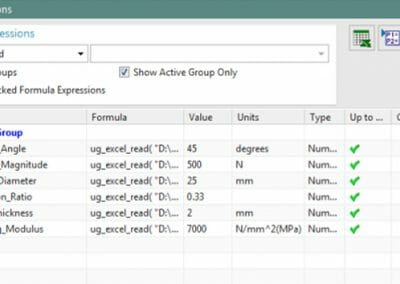
This Tips & Trick shows how to drive expressions in NX from an external spreadsheet.
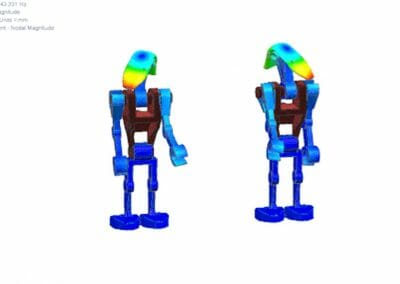
This Tips & Trick shows how to display polygon bodies together with results in the NX post-processor.
A common limitation when accessing CAD data from a CAE tool is the inability to support design changes with automated updates of the idealized CAE geometry, mesh, loads, and constraints.
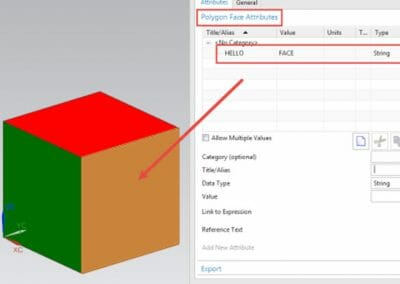
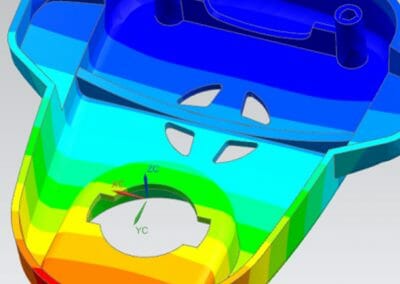
This Tips & Trick shows how to map Polygon Faces (i.e., CAE faces) to CAD Faces.
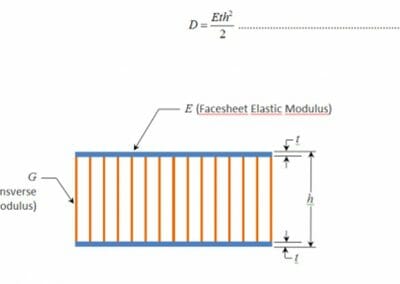
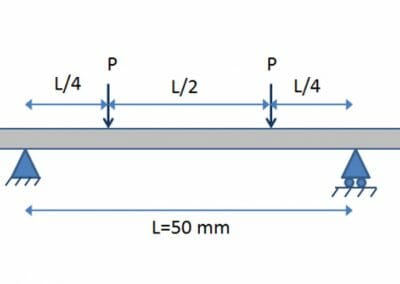
This Tip & Trick will expose a common misunderstanding about sandwich structures, causing designers to often overestimate their overall stiffness or to stiffen them in a less than optimal fashion.
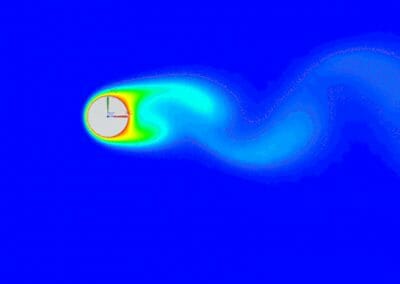
Fluid flow can be broadly categorized into three regimes: laminar, transitional, and turbulent. In laminar flow, the fluid remains stratified and no mixing occurs beyond molecular diffusion.
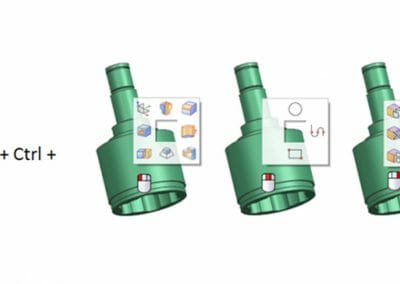
When assembling parts, creating and editing meshes and setting-up simulations, NX tools are often used repetitively.
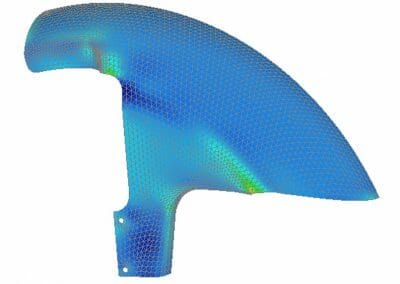
This post-processing Tip & Trick will show how to efficiently use predefined Femap API and a customized toolbar for laminates.
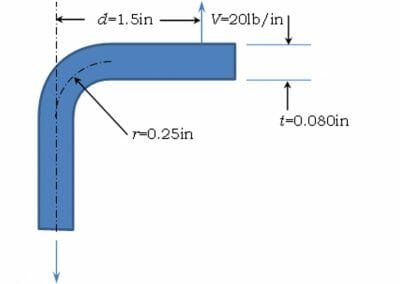
This Tips & Trick shows how you can use the results from a coarse finite element simulation to assess potential delamination in a curved composite material.

WatSat, a University of Waterloo student design team, today announced they received an in-kind software grant from Siemens Digital Industries Software and Maya HTT.
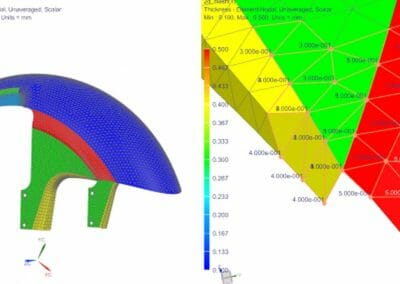
This Tips & Trick shows how to display a fem’s 2D element thickness values. In addition, NX lets you create a field of 2D element thicknesses, which you can reuse in the same or different model.
No results found.