
Altair HyperMesh.
An enterprise-level pre- and post-processor for building, managing, and validating simulation models
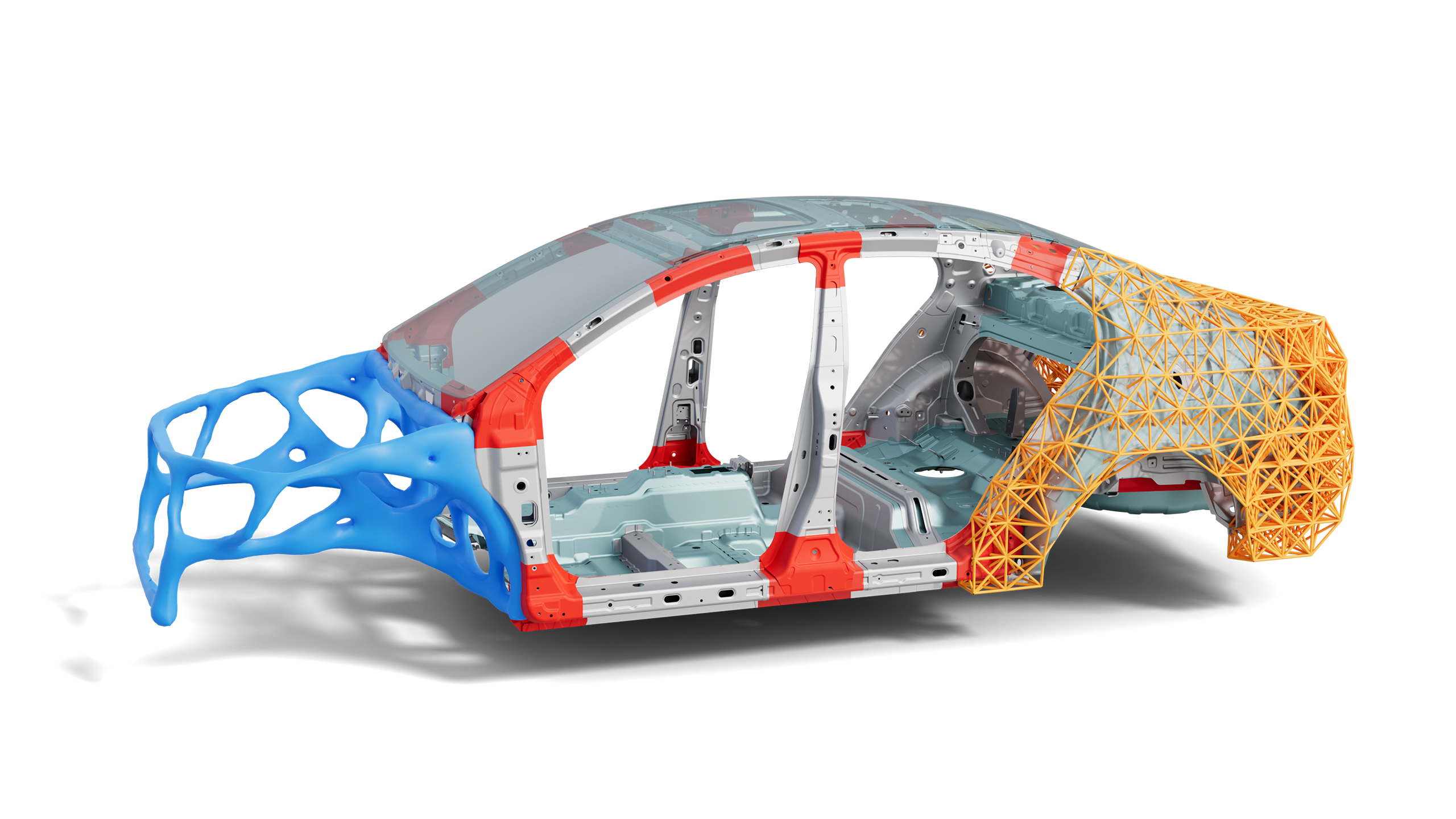
Simulation-driven product development
Discover an enterprise-level pre- and post-processor for building, managing, and validating simulation models.
Altair HyperMesh unifies geometry, meshing, solver setup, and reporting across multiple physics domains, streamlining workflows from CAD to analysis.
Its modern interface, automation features, and AI-assisted modeling make it a cornerstone of simulation-driven product development.
Unified pre-processing and model management
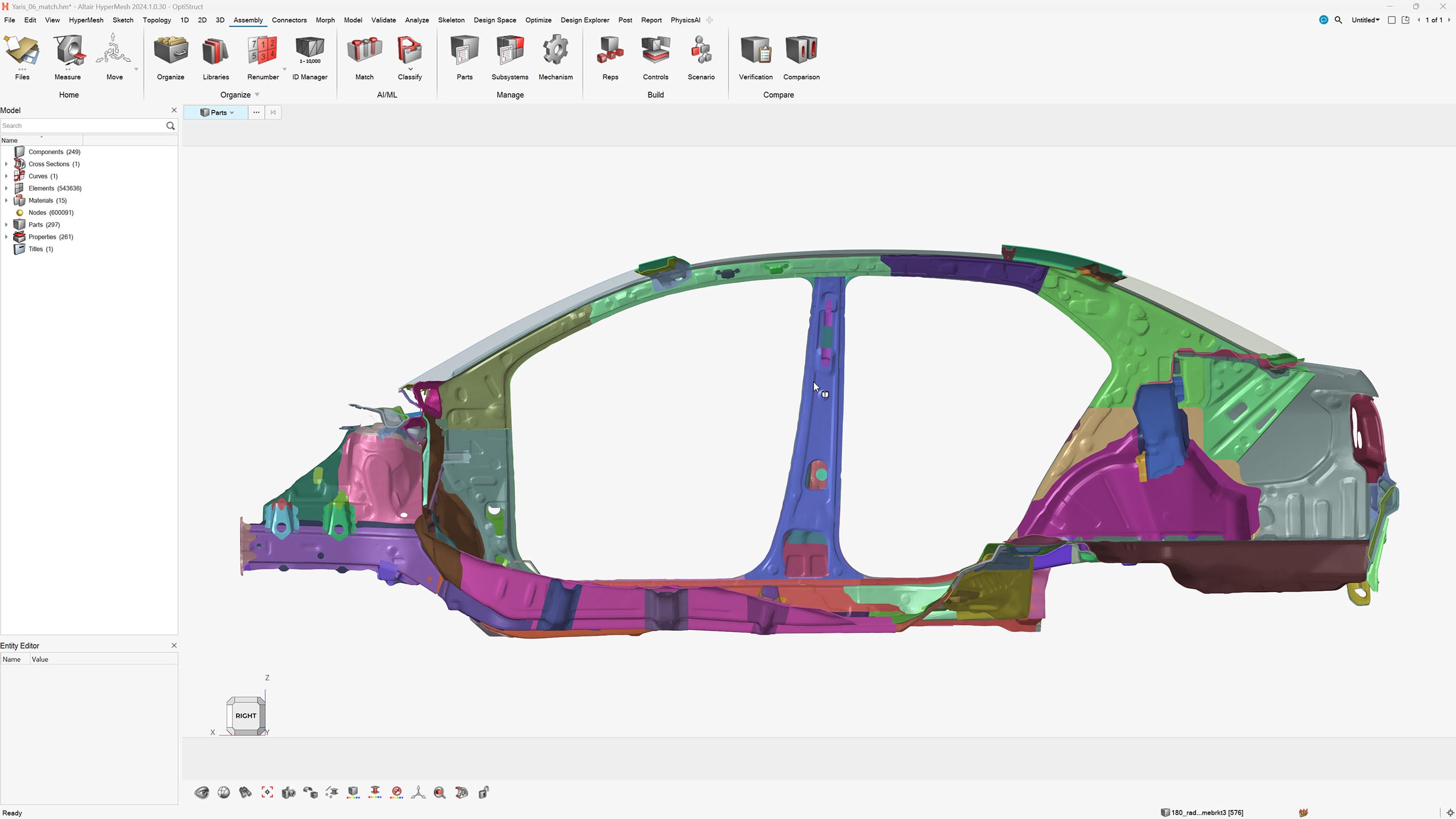
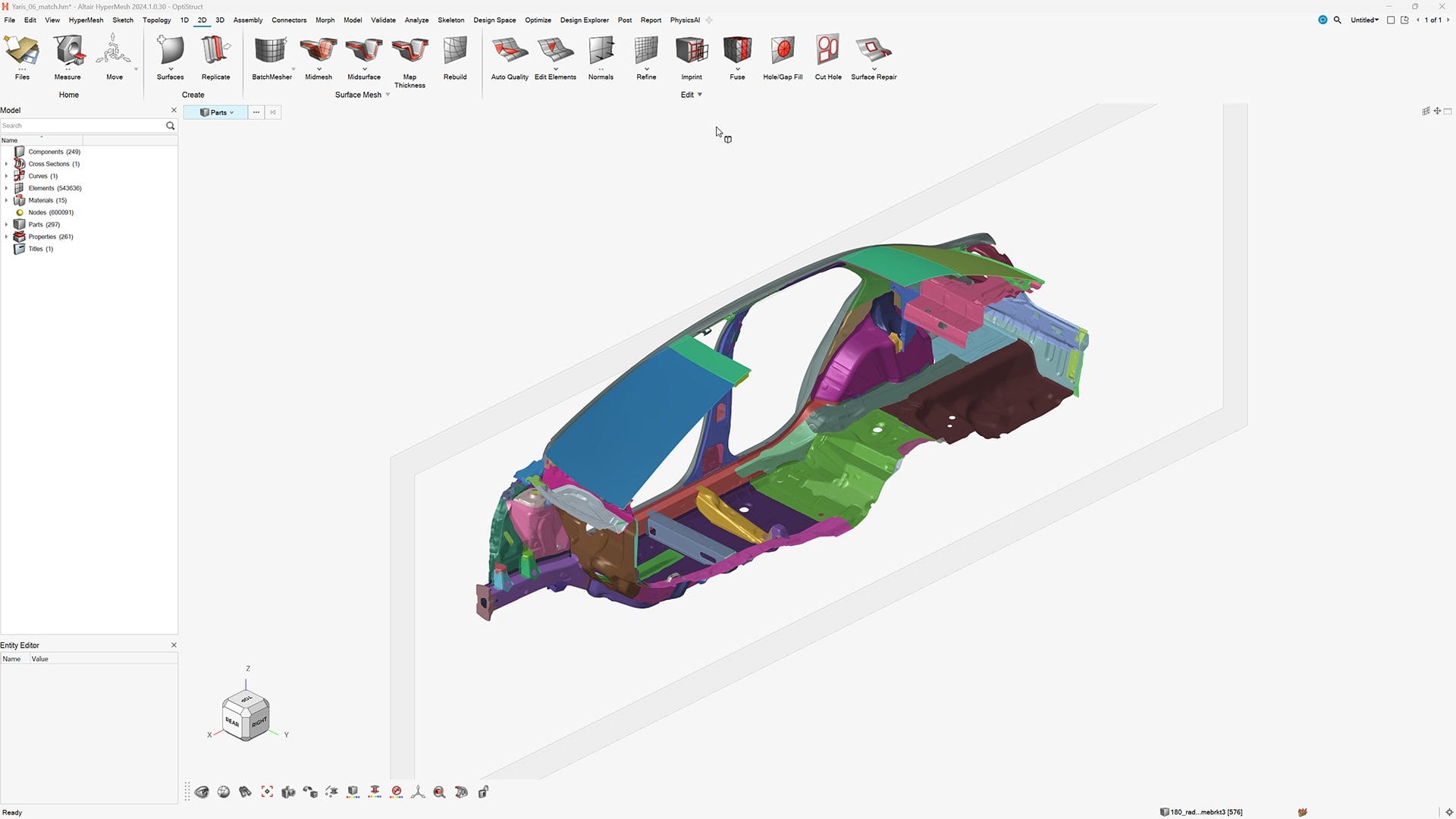
Simplify the journey from CAD to solver-ready models with tools for geometry cleanup, defeaturing, mid-surface extraction, meshing, and solver deck generation.
Multi-discipline teams can collaborate on shared assemblies and subsystems while maintaining consistency across product configurations.
Scalable for large and complex assemblies
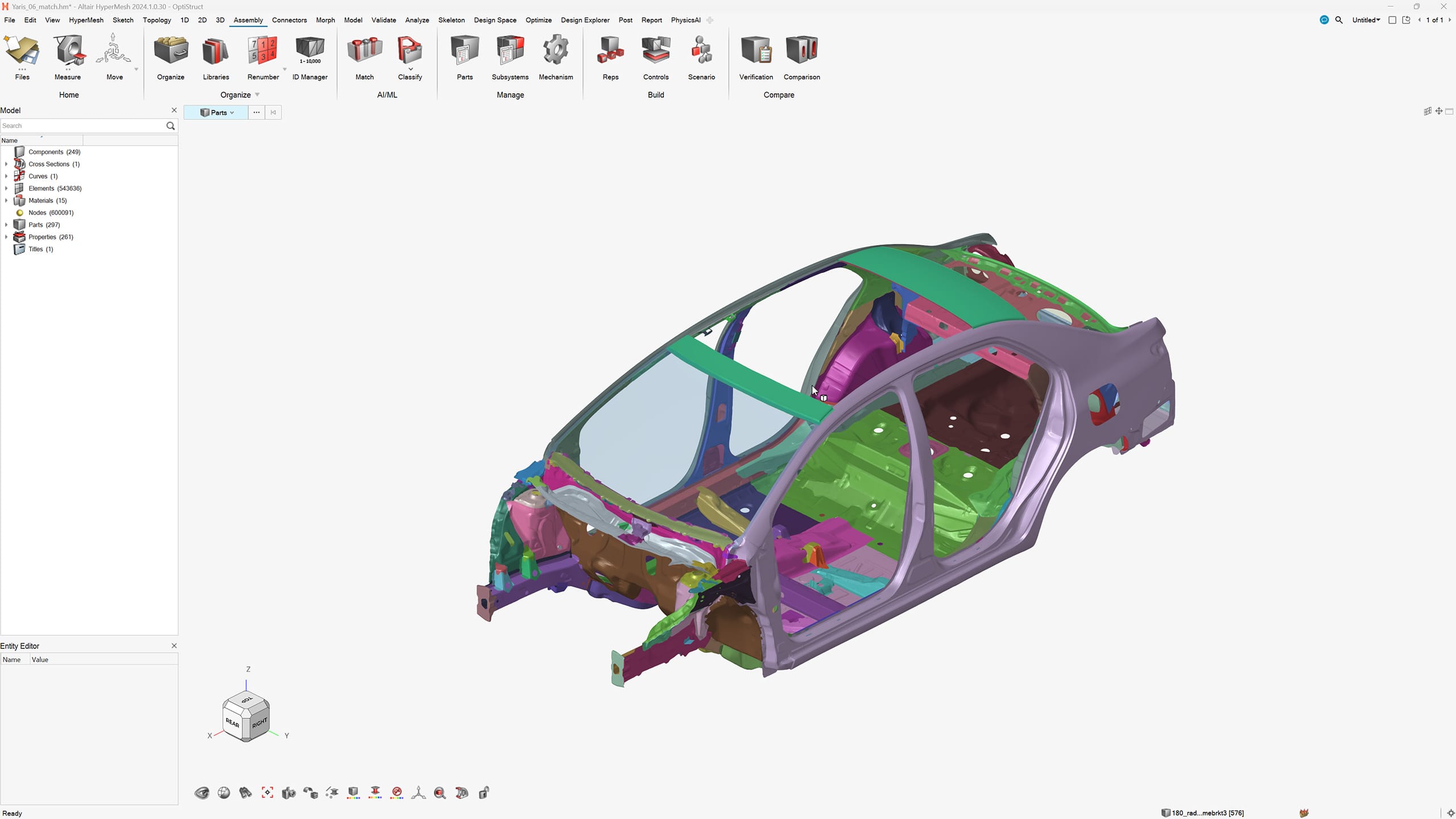
Use Altair HyperMesh to efficiently manage huge models with millions of elements, organizing them into parts, subsystems, and configurations.
Revision control and variant management help organizations track changes and build digital continuity across the enterprise.
AI-driven automation and python customization
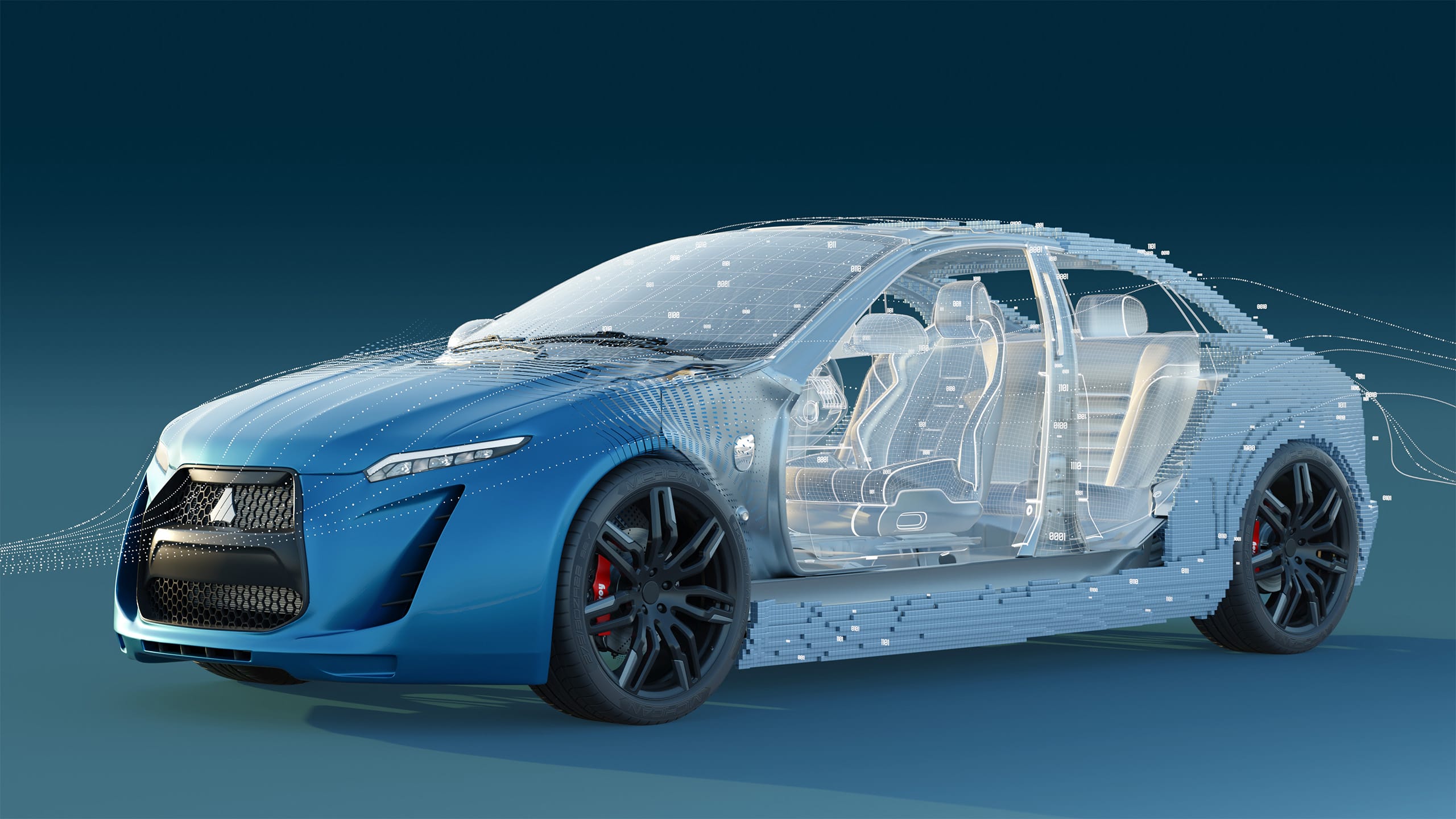
Accelerate repetitive modeling tasks with built-in AI tools such as ShapeAI for pattern recognition and classification.
Combine speed with full flexibility to script, automate, and customize workflows using Altair HyperMesh’s integrated Python API.
Solver and CAD interoperability
Altair HyperMesh connects seamlessly with leading CAD and solver platforms (OptiStruct, Radioss, Abaqus, LS-DYNA, Ansys, Nastran, and more).
Accurately translate geometry and analysis data while minimizing rework between design and simulation teams.

Quality checking and automatic report generation
Take advantage of embedded quality checkers to identify errors such as intersecting elements, missing connections, or invalid properties before simulation.
Reduce documentation effort and support traceable engineering validation by using the automatic report generation to capture images, tables, and summaries into formatted reports with one click.